Rules
Part of Magazine photo editing: a practical guide from selection to proof
Photo editing, caption, and image-rights problems with practical fixes
Crop, retouch, caption, credit and licence decisions each leave a trace; here is how picture desks keep those traces attached to the right asset.
What to take away
- A crop that removes a bystander changes what the picture claims happened.
- Caption facts come from reporting, never from reading the frame.
- A credit line records authorship; it does not grant permission.
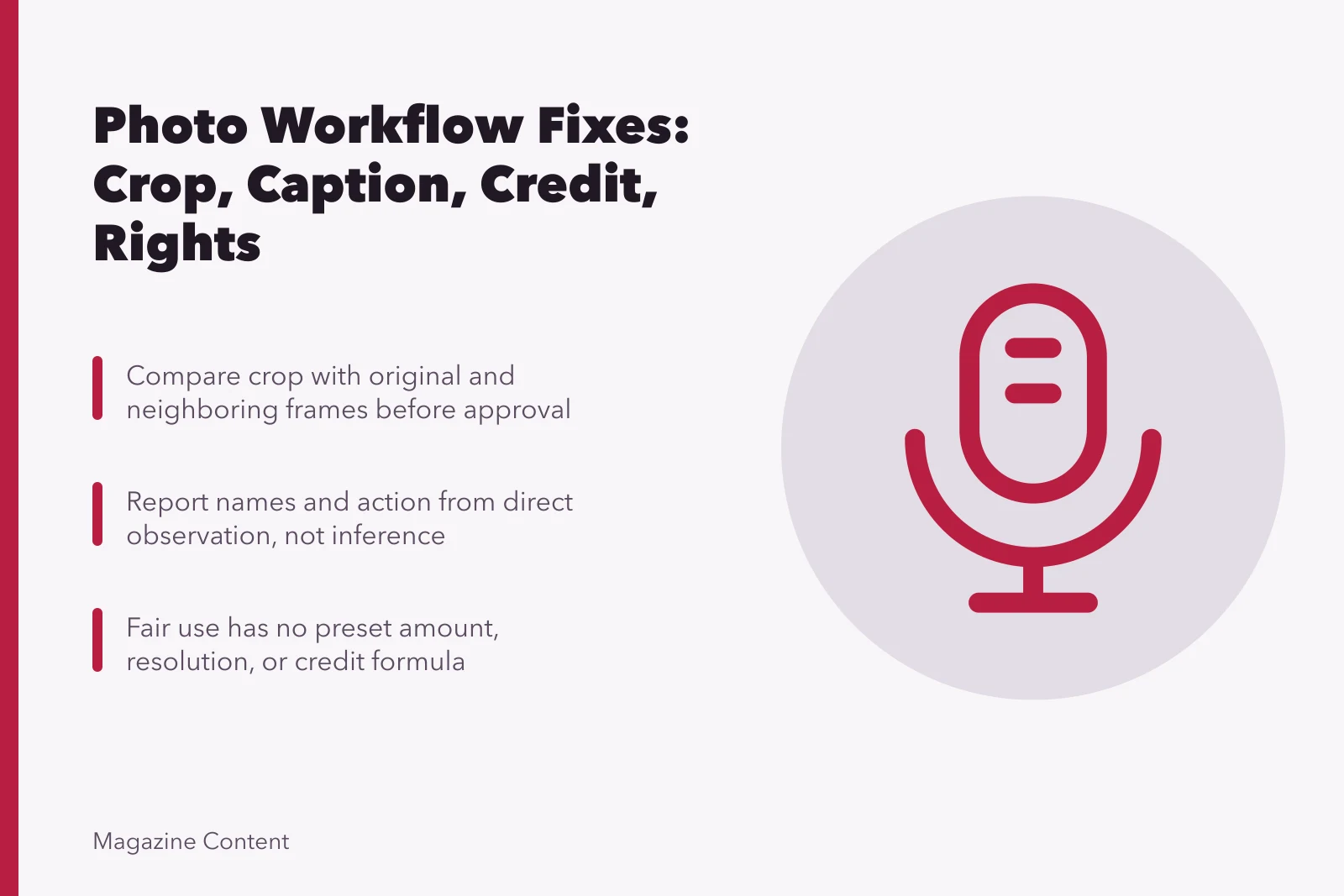
- Fair use is decided case by case. There is no percentage or pixel rule.
- Alt text describes the image's job on the page, not its file name.
Picture desks fail in the seams. The frame sits in one system, the caption in the CMS, the licence PDF in somebody's email, and the expiry date nowhere. Give every asset one stable ID and hang each decision on it. When rights or facts stay unclear, hold the image.
Worked example: one crop, three versions
A council meeting photograph arrives showing a speaker at the podium and, behind her, two councillors laughing. The page needs a tight horizontal.
One crop, three versions
Speaker alone
- What is shown
- Speaker only
- What it implies
- Hostile room
- Caption fit
- Motion passed
- Honesty
- Misleading
Speaker and councillors
- What is shown
- Speaker and laughers
- What it implies
- They laughed at her
- Caption fit
- Nobody reported this
- Honesty
- Misleading
Full frame
- What is shown
- Whole room
- What it implies
- Nothing implied
- Caption fit
- Names and words
- Honesty
- Honest
One crop, three versions
- Crop to the speaker alone. The laughter disappears, and the picture now implies a hostile room. The caption still says the motion passed.
- Crop to speaker and laughing councillors. The frame implies they laughed at her, which nobody reported.
- Run the full frame with a caption naming who is in it and what was said.
Version three is the honest one. Keep the uncropped original and the approved crop in the same folder, so the next editor can see what was removed.
Retouching: where preparation ends
Dust on a scan and a deleted person are not the same edit. Write an image-integrity policy that separates technical preparation from changes to content. Preserve originals, log every change, and label composites and illustrations. Escalate any edit that could shift a reader's factual understanding, including removal of a placard, a wound, or a second figure.
Is this edit technical or content?
Does the edit remove dust or a person?
technical preparation, log it
content change, escalate
Captions: report, do not infer
Names, actions and places come from the photographer, the subjects, the records or a reporter who was there. Describe what is visible rather than assigning motive or mood. If the date or location is approximate, say so in the caption. Recheck the words after the final crop, because the crop decides what the caption has to explain.
Caption checks before publication
- Names, actions and places from a source
- Describe what is visible, not motive
- Flag approximate date or location
- Recheck words after final crop
Credit is not permission
Find the copyright owner and the legal basis for each use. The U.S. Copyright Office's Fair Use Index states that fair use turns on the circumstances of the particular case, with no formula based on a set portion of a work. It summarises case law for study. It is not advice on your proposed publication.
Metadata survives the export, or it does not
Platforms strip embedded fields on upload. Keep the rights and caption record in the asset system regardless, keyed to the stable ID.
Test the export paths before launch: publish a sample asset, download the public version, and confirm the visible credit, caption, file association and identifier still resolve to the approved record.
Where embedded metadata is gone, write down which connected system is now authoritative.
Alt text: one job per image
Decide what the image contributes on that page. W3C's alt-text decision tree sets out the choices: a short description for a meaningful photograph, a text equivalent for complex information, functional text for a linked image, and an empty alt attribute for decoration or repetition.
Open licences have conditions
Copy the exact licence and version from the source page and save a dated snapshot of that page. Check attribution, commercial use, adaptation and share-alike terms one by one. Creative Commons licences differ from each other, so a licence that allowed last month's use may not cover this one.
Expiry dates belong in fields, not memory
Store start and end dates as structured data, assign an owner, and set alerts ahead of expiry. Decide per asset whether it comes down, gets relicensed, gets replaced, or stays in a historical archive with a note. Tell syndication partners and pull cached promotional pages where the agreement requires it.
Common questions
Is a thumbnail automatically fair use?
No. Size alone decides nothing. The analysis turns on the facts of the use and the jurisdiction, so treat every thumbnail as a fresh rights question.
Can missing metadata prove an image is free?
No. Absent ownership information is not permission. It usually means the trail was lost somewhere between the photographer and the upload.
Should alt text name every visible object?
No. Convey what the image does in that context. A long inventory of objects slows screen reader users down without adding meaning.
What is the safest response to unclear rights?
Hold the image. Investigate the record, take qualified legal advice, or run a clearly authorised alternative. Publishing first and clearing later is the expensive order.