Maintenance
Part of Digital magazine accessibility guide: production practices
Planning a digital magazine accessibility checklist
Plan a digital magazine accessibility checklist for scope, format-specific checks, testing tools, screen readers, release records, and barrier reporting.
What to take away
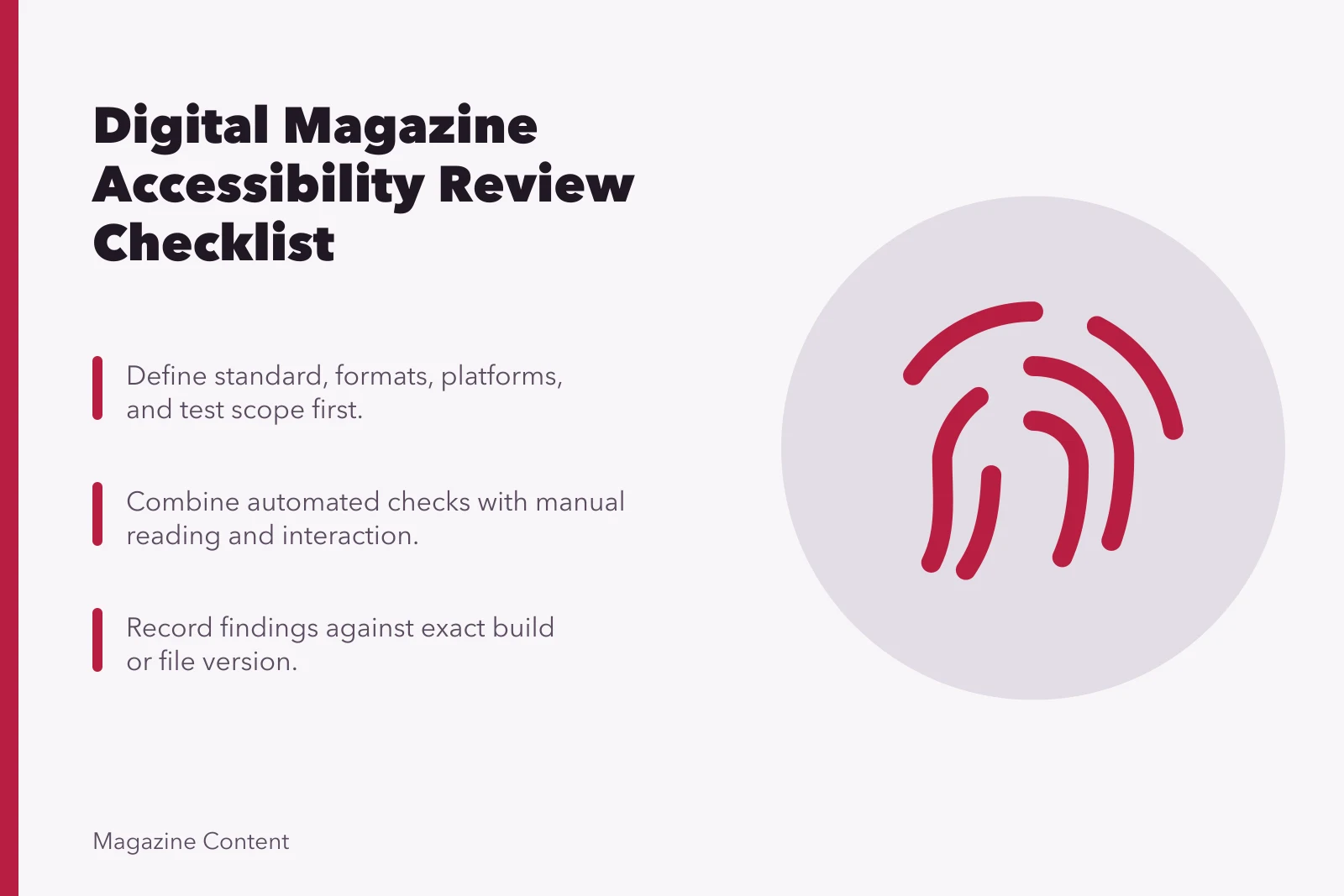
- Define the target standard, formats, platforms, and test scope before review.
- Combine automated checks with manual reading and interaction.
- Test the content, viewer, paywall, account flow, and downloads together.
- Record findings against an exact build or file version.
- Do not claim conformance from a short preliminary review.
Use this checklist for web articles, EPUB editions, tagged PDFs, or magazine reading apps. Remove items that do not apply and add format-specific requirements. The W3C Easy Checks accessibility review covers quick checks such as title, alternatives, headings, contrast, keyboard focus, language, zoom, captions, transcripts, description, and form labels, while warning that these checks are not exhaustive.
Use WCAG as a technical benchmark for web content, EPUB Accessibility for EPUB, and PDF/UA for tagged PDF. In the United States, assess the Americans with Disabilities Act (ADA) and Section 508 of the Rehabilitation Act where they apply; publications offered in the EU should assess the European Accessibility Act and relevant local requirements. Applicability depends on the publisher and service, so document the basis for the selected targets.
A. Scope and ownership
Scope and Ownership Checklist
- Identify publication, issue, article set, format, version, date
- State target accessibility standard and conformance level
- Name supported browsers, reading systems, devices, assistive technologies
- Include content, platform controls, subscription, downloads
- Assign owner for each class of finding
- Document release authority and exception process
- Match public accessibility statement to tested release
- Publication, issue, article set, format, version, and date are identified.
- The target standard and conformance level are stated; for web content, record the chosen WCAG level: A, AA, or AAA.
- Applicable legal and contractual requirements are identified.
- Supported browsers, reading systems, devices, and assistive technologies are named.
- Content, platform controls, subscription flow, and downloads are in scope.
- An owner can fix each class of finding.
- Release authority and exception process are documented.
- The public accessibility statement will match the tested release.
B. Document identity and language
Document Identity and Language
- Give issue and each article clear, unique titles
- Set primary language programmatically
- Mark passages in another language where supported
- Verify author, date, identifier, description, modification data
- Show file type and size before download
- Describe accessibility features and known limitations accurately
- The issue and each article have clear, unique titles.
- Primary language is set programmatically.
- Passages in another language are marked where the format supports it.
- Author, date, identifier, description, and modification data are accurate.
- File type and size are shown before download.
- Accessibility features and known limitations are described accurately.
C. Structure and reading order
Structure and Reading Order
- Expose one article title as top heading
- Use logical heading hierarchy for sections
- Identify main content, navigation, complementary content, footer
- Use real roles for lists, quotations, notes, figures, captions, tables
- Make source order sensible without visual positioning
- Keep sidebars and pull quotes from interrupting reading flow
- Cover required hierarchy in EPUB navigation or PDF bookmarks
- Keep page references understandable in reflowable formats
- One article title is exposed as the top heading.
- Headings describe sections and follow a logical hierarchy.
- Main content, navigation, complementary content, and footer are identifiable.
- Lists, quotations, notes, figures, captions, and tables use their real roles.
- Source order makes sense without visual positioning.
- Sidebars and pull quotes do not interrupt or repeat the reading flow.
- EPUB navigation or PDF bookmarks cover the required hierarchy.
- Page references remain understandable in reflowable formats.
D. Text and visual presentation
Text and Visual Presentation
- Use live text for necessary text, not images
- Meet specified contrast requirements for text and controls
- Avoid meaning from color, position, shape, or sound alone
- Allow text enlargement without clipping, overlap, or lost controls
- Preserve content and function when reflowing at narrow width
- Prevent user spacing changes from hiding text
- Keep focus indicators visible against every background
- Provide required controls for motion and animation
- Necessary text is live text rather than an image.
- Text and controls meet the specified contrast requirements.
- Meaning does not depend on color, position, shape, or sound alone.
- Text can enlarge without clipping, overlap, or lost controls.
- Reflow at narrow width preserves content and function.
- User spacing changes do not hide text.
- Focus indicators remain visible against every background.
- Motion and animation have the required controls.
E. Images, charts, and graphics
Images, Charts, and Graphics
- Classify each image as decorative, informative, functional, text-bearing, or complex
- Skip decorative images by assistive technology
- Give informative images concise context-specific alternatives
- Name functional images for their action or destination
- Provide equivalent for images of necessary text
- Give charts, maps, diagrams full descriptions or equivalent data
- Avoid confusing repetition in captions, credits, alternatives
- Keep images understandable at high zoom and alternate color settings
- Each image is classified as decorative, informative, functional, text-bearing, or complex.
- Decorative images are skipped by assistive technology.
- Informative images have concise context-specific alternatives.
- Functional images are named for their action or destination.
- Images of necessary text have an equivalent.
- Charts, maps, and diagrams have full descriptions or equivalent data.
- Captions, credits, and alternatives do not create confusing repetition.
- Images remain understandable at high zoom and in alternate color settings.
F. Tables and links
- Data tables have captions where useful and marked header cells.
- Row and column relationships are announced correctly.
- Complex tables are simplified or use explicit associations.
- Layout is not built with data-table markup.
- Link text identifies its destination or purpose in context.
- Repeated link labels do not point to different destinations without clarification.
- External, download, and file-type behavior is understandable.
- Broken and empty links are absent.
G. Audio, video, and interaction
- Recorded speech and meaningful sounds have accurate synchronized captions.
- Audio has a complete transcript.
- Needed visual information has suitable description.
- Media controls are named, focused visibly, and operable by keyboard.
- Nothing traps keyboard focus.
- Automatic audio and movement are checked against the selected WCAG target, and required controls are provided.
- Forms have labels, instructions, required-state cues, and usable errors.
- Status messages and expanded states are exposed programmatically.
H. Format-specific review
For PDFs, do not stop at an automated checker. Section508.gov's accessible PDF resource page points to authoring, testing, remediation, and training material and notes that PDFs are often less accessible and mobile-friendly than suitable HTML. A commercial publisher must set its own legal and technical policy, but the production distinction remains useful.
Examples of testing tools include axe DevTools, WAVE, and Lighthouse for web; EPUBCheck and DAISY Ace for EPUB; and PAC or Adobe Acrobat Pro's accessibility checker for PDF. Automated results are a starting point, not proof of conformance.
- PDF tags, order, title, language, headings, lists, figures, tables, links, and bookmarks are inspected.
- EPUB package, navigation, spine order, media, metadata, and accessibility declarations validate.
- HTML uses native elements and functional controls before added ARIA.
- App or viewer chrome, library, search, account, download, and offline flows are tested.
- Digital rights controls do not block required assistive access.
I. Manual testing and release
- Automated findings are reviewed by a person.
- Keyboard-only use reaches and operates every control in a logical order.
- High zoom and narrow-width reflow are checked.
- At least one screen reader is used on each supported platform family.
- Supported EPUB readers or PDF viewers are tested with the real issue.
- Disabled-reader testing is included where planned and findings are handled respectfully.
- Fixes receive regression testing.
- Report, evidence, exceptions, and tested build are archived.
- A barrier-reporting contact and response owner are published.
Common questions
Does passing every automated check prove conformance?
No. Meaning, order, keyboard behavior, alternatives, and usability require manual judgment and interaction.
Must every supported reader produce identical output?
No. The reading experience can differ, but required information and function must remain available under the declared support policy.
Should known limitations be hidden until fixed?
No. Describe material barriers plainly, provide an accessible route to the content when possible, and state how readers can request help.
How often should the checklist run?
Use it for templates and components, every issue release, material platform changes, corrected files, and scheduled regression reviews.