Features
Part of Digital magazine accessibility guide: production practices
Case study: rebuilding a fictional inaccessible digital issue
Fictional digital magazine case tracing inaccessible PDF and viewer failures through triage, structured HTML and EPUB rebuilds, testing, release, and prevention.
What to take away
- An accessible file can still be blocked by an inaccessible viewer or paywall.
- Page images and automatic tagging are poor foundations for complex editorial work.
- Triage should restore essential reading before polishing secondary features.
- A structured source supports HTML, EPUB, PDF, audio, and later corrections.
- The release record must identify tested formats, platforms, limits, and fixes.
This fictional case follows an arts magazine after readers report that its annual digital issue cannot be navigated with a keyboard or screen reader. The magazine, people, issue, test results, and schedule are invented. The workflow illustrates editorial choices, not a legal compliance opinion.
The failed release
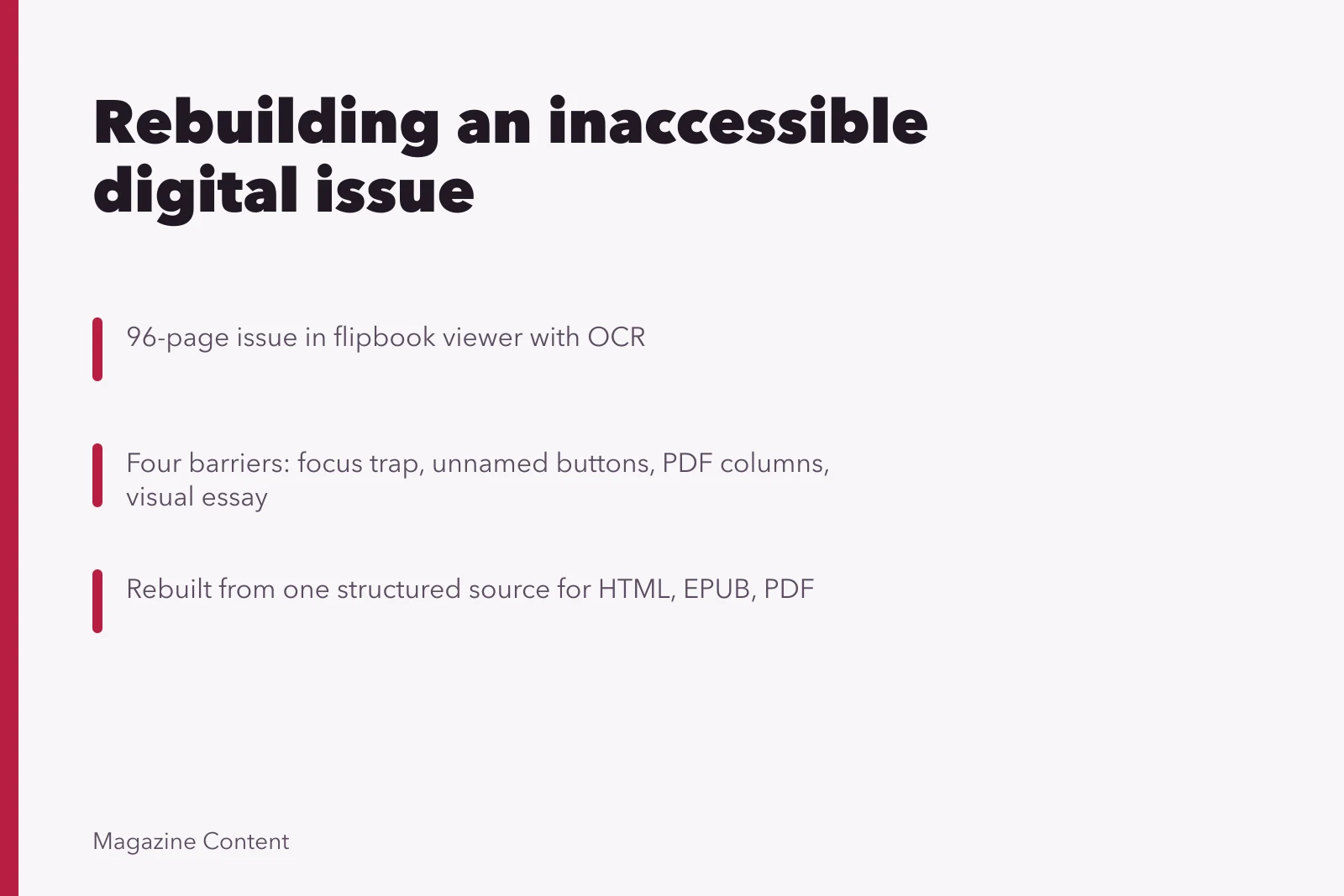
Northline Review published a 96-page issue in a flipbook viewer. Each spread was a large image with optical character recognition hidden behind it. The viewer included thumbnails, zoom, page-turn sound, a search field, and a download button. The downloadable PDF had an automatic tag tree.
A reader reported four barriers: the cookie dialog trapped keyboard focus, page-turn buttons had no accessible names, the PDF read both columns across each line, and a six-page visual essay had no text equivalent. Another reader could not enlarge text without panning in two directions.
Section508.gov's electronic documents overview explains how electronic documents are treated under federal Section 508 and identifies WCAG-derived requirements for covered federal content. Northline Review was a fictional private publisher, so the team did not treat that page as a legal ruling on its obligations. It used the document definition and testing distinctions to sharpen the production audit.
Triage in the first day
The editor paused promotion and posted a plain, structured HTML notice with contact details. Subscribers could request individual articles in an accessible form while the team worked. The product lead removed the page-turn sound and gave the support team a script that recorded the requested article, preferred format, deadline, and contact method without asking for medical details.
Triage tracks and owners
Viewer and account flow: Can a keyboard user reach and open an issue?
Product lead fixes focus and control names
Escalate to vendor and retest keyboard path
The team separated the incident into three tracks:
| Track | Immediate owner | First question |
|---|---|---|
| Viewer and account flow | Product lead | Can a keyboard user reach and open an issue? |
| Publication files | Production editor | Is content structured in a logical reading order? |
| Editorial equivalents | Section editors | What information exists only in images or audio? |
Findings
The original layout used threaded text, but export settings flattened most pages. Headings were ordinary paragraphs styled by size. Pull quotes repeated body copy in the tag order. Captions were separated from figures. Tables in a funding feature had no marked headers. The visual essay depended on sequence, handwritten labels, color, and two maps.
The viewer vendor corrected the focus trap and supplied accessible names for controls, but its fixed spreads still could not provide flexible text. The team decided that repairing the viewer alone would leave the central reading problem unsolved.
Rebuilding from one structured source
Editors returned to manuscripts, captions, tables, image logs, and media transcripts. They created a semantic source for every article with a title, dek, byline, headings, paragraphs, lists, figures, captions, notes, tables, and end matter in reading order.
Rebuilding from one structured source
- Return to manuscripts, captions, tables, image logs, transcripts
- Create semantic source with title, dek, byline, headings
- Add paragraphs, lists, figures, captions, notes, tables, end matter
- Give visual essay introduction, alternatives, full sequence description
- Add text versions of both maps with location lists
- Preserve dates, places, credits in captions
- Publish responsive HTML and reflowable EPUB
The visual essay received:
- a short introduction explaining its argument
- concise alternatives for each photograph
- a full description of the sequence and handwritten annotations
- text versions of both maps with location lists
- captions that preserved dates, places, and credits
- an editor's note describing how the accessible version represented the visual pacing
The web edition used responsive HTML. The downloadable edition used reflowable EPUB. The W3C EPUB Accessibility Techniques 1.1 covers discovery and content accessibility techniques, including headings, descriptions, language, Unicode text, page navigation, reading order, and accessibility metadata. The production editor applied the requirements relevant to the issue and documented those that did not apply.
Testing and corrections
Testing and corrections
- Automatedmissing language metadata
- Automatedduplicate identifiers
- Automatedlow contrast
- Automatedunlabeled search control
- Manualkeyboard trap in issue picker
- Manualchart description after unrelated notes
- Manualsubscription error announced only by color
The team tested keyboard use, zoom and narrow-width reflow, two screen-reader and browser combinations, two EPUB reading systems, captions, transcripts, tables, image alternatives, account sign-in, purchase recovery, downloads, and offline reading. Two invited disabled readers tested common tasks and reported a confusing change between issue and article navigation. The product team renamed and regrouped those controls, then retested them.
Release and disclosure
Six days after the report, the publisher released responsive HTML and reflowable EPUB editions. It kept the replica viewer as an optional visual edition and labeled its fixed-layout limitation. The accessibility statement named tested formats and broad platform coverage, listed a known annotation limitation in one reading system, and provided a response address.
Subscribers received a correction notice. Anyone who bought the issue retained access to all versions. The production archive stored the original and corrected packages, findings, test environments, reader feedback, decisions, and release identifiers.
Changes for the next issue
The publisher added structure and alternatives to commissioning briefs, required captions and chart data with artwork delivery, built an accessible article template, tested account components before content loading, and placed accessibility acceptance before release approval. A quarterly regression test covered the viewer, paywall, library, downloads, and a representative issue.
Common questions
Why keep the replica viewer?
Some readers preferred the designed spreads. Keeping it as a clearly labeled option was reasonable once equivalent accessible editions and accessible account paths existed.
Why build both HTML and EPUB?
HTML supported discovery and correction, while EPUB supported packaged offline reading. The same structured source reduced divergence.
Did two disabled testers prove universal accessibility?
No. Their findings added direct evidence but did not represent every disability, tool, or reading preference.
Was the six-day delay enough for full conformance?
The case does not claim universal or legal conformance. It describes a tested recovery release, documented limits, and a longer prevention program.