Rules
Part of Magazine print production, paper, and prepress: a practical guide
Magazine print production problems with practical fixes
Magazine print production problems, from color shifts to bad binding, get traced to their real cause with practical checks that stop a spoiled issue.
What to take away
- Name the physical cause before touching the design or a press setting.
- Keep screen PDFs, printer files, approved proofs and released versions in separate folders.
- Re-approve after any change to stock, profile, binding or schedule.
- Stop the run when continuing costs more than a controlled delay.
- Write the cause and the prevention step into the file after delivery.
Where print faults actually start
Most faults begin at a handover: editorial to design, design to prepress, prepress to press, press to bindery. The symptom shows up late, at the trimmer or in the mail bag, long after the decision that caused it.
Where print faults begin
- Editorial to design
- Design to prepress
- Prepress to press
- Press to bindery
- Symptom appears at trimmer or mail bag
So the first useful question is not "what went wrong" but "which handover failed". That answer decides who fixes it and who pays.
The EPA's communication product standards separate web PDFs from print publishing files and set recycled-paper requirements. The lesson carries across every job: a PDF built for reading on screen is not a manufacturing file.
The wrong PDF reaches the printer
Corrected copy reappears. The page count differs from the flatplan. The filename is vague, or the printer cites a file the editor cannot identify.
Wrong PDF: stop and replace
- Pause processing
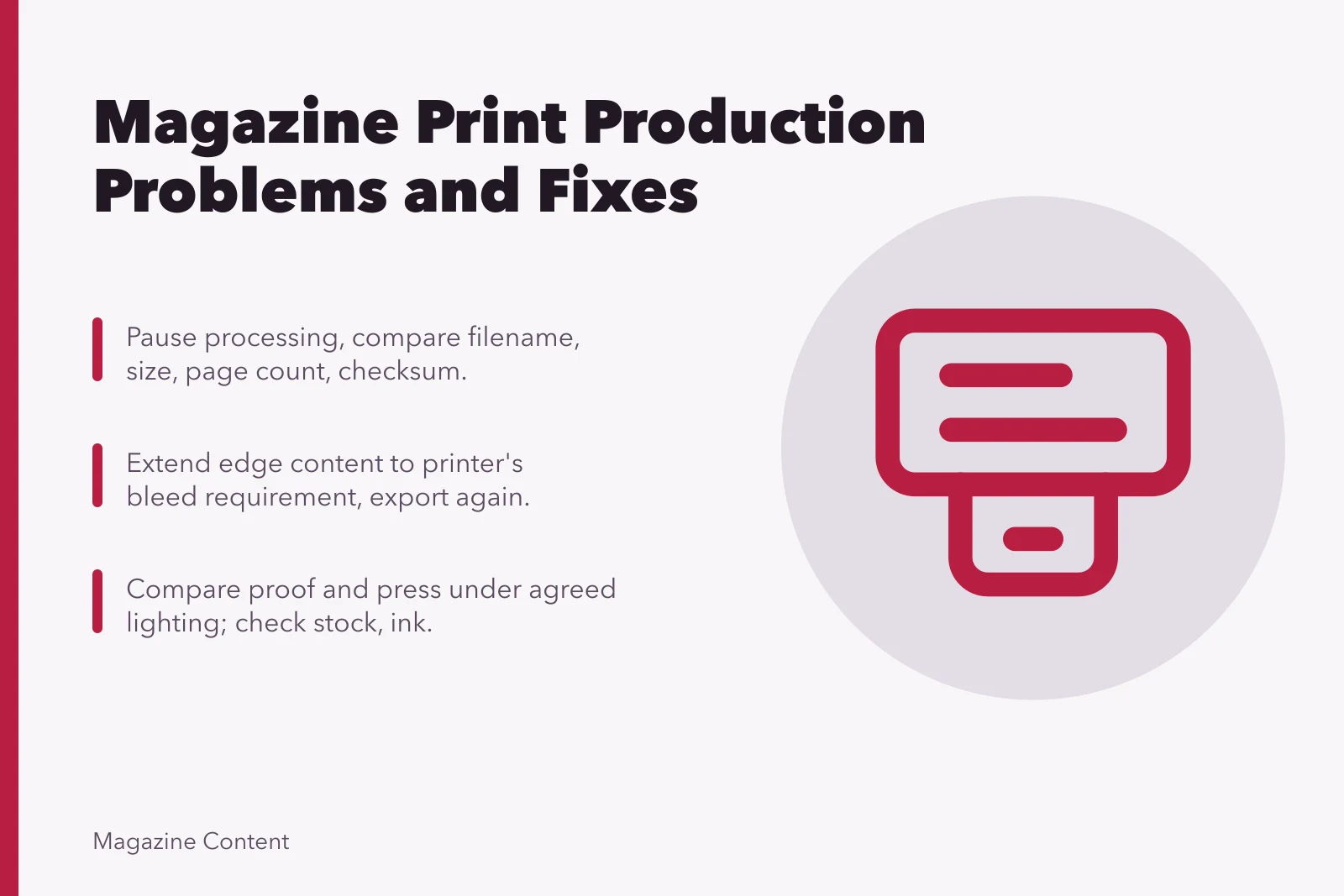
- Compare filename, size, page count, checksum
- Issue written withdrawal and replacement
- Confirm old file deleted or quarantined
- Use one release folder and immutable names
Pause processing. Compare filename, file size, page count and checksum where the workflow supports one. Then issue a written withdrawal and replacement, and ask the printer to confirm the old file is deleted or quarantined.
Prevention is boring and works: one release folder, immutable version names, a manifest with the job, and a receipt confirmation from the printer.
White slivers at the trim
Edge colour or photography stops just inside the trim instead of running off it.
Fix white slivers at trim
- Check bleed
- Check page boxes
- Check if art moved
- Check if export clipped objects
- Extend edge content to bleed
- Export again and inspect page boxes
Do not enlarge the image to cover the gap. A crop that loses a face or drops below the placed resolution is a worse fault than the sliver.
Colour moves between proof and press
Neutrals pick up a cast. Brand colour misses its target. Shadows close up, or skin tones drift warm.
Colour shift diagnosis
- Identify approved reference
- Compare under agreed lighting
- Check stock
- Check ink sequence
- Check density and grey balance
- Check registration and drying state
- Decide tolerance or reopen approval
Soft or stair-stepped images
Detail looks mushy, diagonal edges break into steps, or sharpening halos become obvious on press.
Soft or stair-stepped images
Inspect source at final print size
Replace the file
Reduce printed dimensions
Inspect the source at the size it will print. Then pick one of three moves: replace the file, reduce the printed dimensions, or choose a crop that suits the available pixels. Sharpening cannot invent detail that was never in the file.
Ink shows through the page
Dark content on the reverse interferes with reading, or pale photographs pick up a ghost.
The Library of Congress paper preservation FAQ covers paper permanence and pigment-based inks from a preservation angle. It sets no magazine opacity figure, so the decision still needs printed samples and the supplier's measured stock data.
Compare the delivered sheet against the approved specification. If the press has not started, test a more opaque stock or revise the imposition so heavy pages do not sit back to back. If the run is finished, measure the defect against the contract before choosing between acceptance, a discount and a reprint.
Binding eats content
Text falls into the gutter, a crossover loses a face, inner pages crop unevenly, or a perfect-bound issue will not lie open.
Check the binding loss figure, the creep compensation, the spine width and the paper bulk against the dummy. Then remake the affected pages to the confirmed geometry. On a live run, test corrected signatures or cover components before the press continues.
Coating cracks and scuffs
Dark folds show white fibres. Covers block together in the stack. Surfaces scuff in packing.
Stock, grain, ink coverage, and drying time all interact. Scoring, fold direction, coating, and packing pressure all interact. Ask the printer and finisher to isolate the stage, then test one variable at a time on representative coverage.
A paper substitution arrives late
The proposed sheet carries a similar name but differs in shade, thickness, finish, opacity, certification or availability.
Before you approve, get the full substitute specification, the price and schedule effect, printed samples on the new sheet, and a fresh spine and binding calculation. Then route it to the owner of each claim it touches.
- Appearanceart director signs the shade and finish
- Manufacturingproduction manager confirms runnability
- Pricecommercial owner accepts the cost change
- Scheduleeditor confirms the on-sale date still holds
- Environmental claimspublisher verifies certification wording
Damaged or inconsistent copies
Crushed corners, setoff, trimming variation, mixed versions. Missing bundles, pallet moisture.
Quarantine a representative sample. Photograph the packs unopened and opened. Record carton and pallet identifiers and count the affected units. Notify the supplier inside the contract period, and hold the samples for joint inspection.
Worked example: the 96-page November issue
A monthly ran 96 pages on a 90gsm coated stock. Two weeks before press, the mill offered 100gsm as a substitute.
The production manager logged the change, then ran the arithmetic. The thicker sheet added 0.4mm per sheet to the spine. Over 48 sheets that is 19.2mm, which pushed the perfect-bound spine past the cover's allowance.
The team had three options: reprint the cover, drop 16 pages, or accept a tighter binding. They reprinted the cover. The extra cost was smaller than a reprint of the whole run, and the on-sale date held.
The prevention step went into the file: any stock change above 5gsm triggers a fresh spine calculation before approval.
Common questions
Should production stop for every defect?
No. Weigh the agreed tolerance, the extent of the fault, its downstream effect and the cost of continuing. A small correctable variation is a different decision from a wrong stock or an obsolete file.
Can a designer fix a press problem by changing the PDF?
Sometimes the file is the right place to look. But first establish whether the cause sits in the file, the proof condition, the substrate, the press, the finishing line or the handling.
Who approves a paper substitution?
Assign a named owner for each claim the change touches: appearance, manufacturing, price, schedule and environmental wording. One informal nod rarely covers all five.
What goes in the incident record?
Keep the samples, the photographs, the files and proofs.
Keep the batch references, the decisions, the costs and the final disposition.
Keep the preventive change. The next issue will need all of it.